Simplex APOGEE Manual de usuario
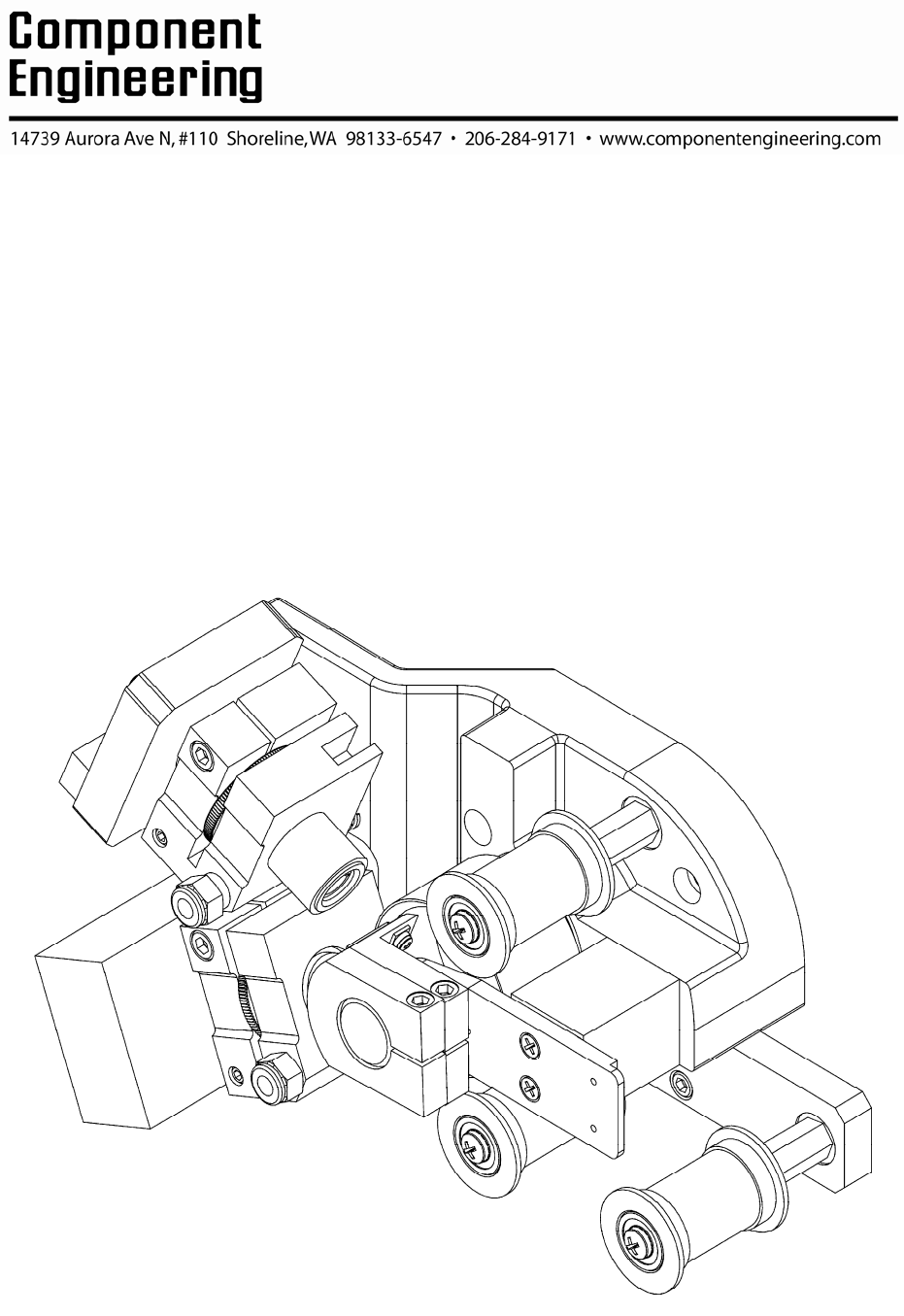
Busca en linea o descarga Manual de usuario para Proyectores Simplex APOGEE. STRD-50 Product Guide - Component Engineering Manual de usuario
- Pagina / 20
- Tabla de contenidos
- MARCADORES

Indice de contenidos
Copyright © Component Engineering, All Rights Reserved STRD-50 Digital /Analog Sound Reader for Simplex Apogee Installation and Alignment
9Analog Complete The analog alignments have been listed in a logical order. Some of the adjustments are interdependent so they may need to be
10Chapter 3: Reader Kit Alignment: Digital Use a 5/32" Allen wrench to unlock the digital reader adjustments. T
11Digital Illumination You will need to have some signal showing on your scope to begin. There is help getting started in a section entitled "
12Digital Lateral A 7/16" nut driver is used to make lateral adjustments to the reader. Dolby Digital test film has error correction numbers p
13Digital Azimuth Use a 5/32" allen wrench to adjust the reader azimuth. Digital test films from Dolby have error correction numbers printed o
14 Digital Focus If you have gone through to this point using your oscilloscope you may be able to set the focus
15Digital Complete The digital alignments have been listed in a logical order. Some of the adjustments are interdependent so they may n
16Chapter 4: Trouble in Paradise? Analog Common Analog Problems, Symptoms, Errors and Bad Fortune LEDs are not lit? The AC power cables insert
17Chapter 5: Trouble in Paradise? Digital Common Analog Problems, Symptoms, Errors and Bad Fortune The digital reader appears to be dead. A Dol
18 Chapter 6: Kick-Starting Digital Alignment Basic Help on Getting There from Here The first step is to get something up on your scope. The sna
Table of Contents Chapter 1: Reader Kit Installation 2 Wiring the Readers and Power Supplies 4 Chapter 2: Reader Kit Alignment: Analog 5
19Chapter 7: Removing a Reader A reader (digital or analog alike) can be removed from the lens block without disturbing the azimuth or lateral adj
2Chapter 1: Reader Kit Installation The reader mounting plate attaches to the casting with 10-32x1/2" flathead Philips screws as show
3 Slide each lens block over the proper threaded shaft. Each end of the hole has a bearing insert. Use care not to catch the inner edge of the
4Wiring the Readers and Power Supplies
5Chapter 2: Reader Kit Alignment: Analog Analog Focus Use a 5/32" Allen wrench to unlock the analog reader adjustments. Prepare th
6Analog Azimuth You may continue to run the Cat. No. 69P for this test. View with a dual trace oscilloscope set to XY mode. Use a 5/32 Allen
7Analog Lateral Thread and run SMPTE P35-BT Use a dual trace oscilloscope to view the waveforms. A 7/16" nut driver is used to adjust the re
8Analog Illumination Thread and run Dolby Cat. No.566 Illumination uniformity test film. Use a 9/64 allen wrench to loosen the socket head cap
Mas documentos para Proyectores Simplex APOGEE

© 2020, manymanuals.es. Todos los derechos reservados | 0.028 s |
 Manymanuals.com
 Manymanuals.de
 Manymanuals.fr
 Manymanuals.it
 Manymanuals.pl
 Manymanuals.cz
 Manymanuals.es
 Manymanuals-pt.com
Comentarios a estos manuales